Welcome to zRavage
What zRavage is, how to connect and what you can do here.
zRavage is a multi-gamemode Multi Theft Auto: San Andreas server. One server hosts many arenas at the same time: Shooter, Deathmatch, Destruction Derby, Hunter, Race, Minigames, a Training arena and a Garage. Everything you do is saved to one account that also works on this website.
How to connect
Download Multi Theft Auto from multitheftauto.com. You need an original copy of GTA: San Andreas installed.
Open MTA, search for zRavage in the server browser, or press Quick Connect and enter 138.2.183.192:22003. On a PC with MTA installed you can also click mtasa://138.2.183.192:22003.
The login screen appears after the download. Create an account once — it's the same account you use on zravage.com.
The lobby opens automatically. Choose an arena and start playing. Press F1 any time to come back to the lobby.
What you can do here
From rocket combat in Shooter to obstacle courses in Deathmatch and classic racing.
Every kill, win and finished map gives money and EXP. Your level unlocks bigger money multipliers.
Team up, earn clan money and climb the ranked clan war ladder from Iron to Champion.
Challenge any player to a PvP match, enter staff events with prize money, chase toptimes.
Paint, wheels, stickers, lights, neons and body parts in the Garage.
Upload your own maps through the Map Uploader and see them go live after testing.
 Iron
Iron Bronze
 Silver
 Gold
Gold Platinum
 Diamond
 Emerald
 Ruby
Ruby Sapphire
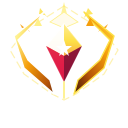 Champion
 Level 1
 Level 2
 Level 3
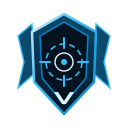 Level 4
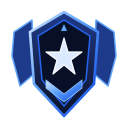 Level 5
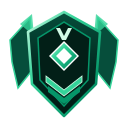 Level 6
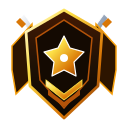 Level 7
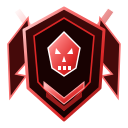 Level 8
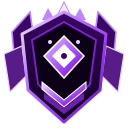 Level 9
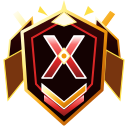 Level 10